
Free guides and tools for running AI locally
Run AI on your own computer
Find out what your Mac or PC can run, choose an app such as LM Studio or Ollama, and follow step-by-step instructions to get a first local model answering.
Example result
16 GiB Apple silicon Mac
Estimated to fit, with about 3.1 GiB of unified memory remaining (4,096 tokens of context, one user, 20% safety allowance).
- Model size
- Qwen3 8B, Q4_K_M (4-bit)
- First app
- LM Studio
- Bottleneck
- Unified memory shared with macOS and other apps

Troubleshooting
Sound familiar?
Start from the problem. Each one links to a guide or a fix.


Hardware Fit Lab
Find a sensible first setup
Answer a few questions about the computer you plan to use. Choose Not sure for any RAM or graphics detail you do not know, and we will show you how to find it.
Choose the amount your computer shows. If it is not listed, choose Other amount and type it; do not pick a larger amount. If your computer shows a "usable" amount, enter that. This estimate treats the number as GiB (1 GiB is about 1.07 GB).
Example result
16 GiB Apple silicon Mac
- Use it for
- Chat
- First app
- LM Studio
- Memory
- Fits comfortablyEstimated to fit, with about 3.1 GiB of unified memory remaining (4,096 tokens of context, one user, 20% safety allowance).

These estimates use your answers. They do not inspect your computer or measure speed.
Jump straight to a tool
Model comparison
Compare 2 to 4 models side by side
App comparison
Compare Ollama, LM Studio and 5 more
RAM and VRAM calculator
Will a chosen model fit your memory?
Cloud vs local cost calculator
Compare estimated monthly costs
Local setup recommender
Detailed setup form if you know your requirements
Start here
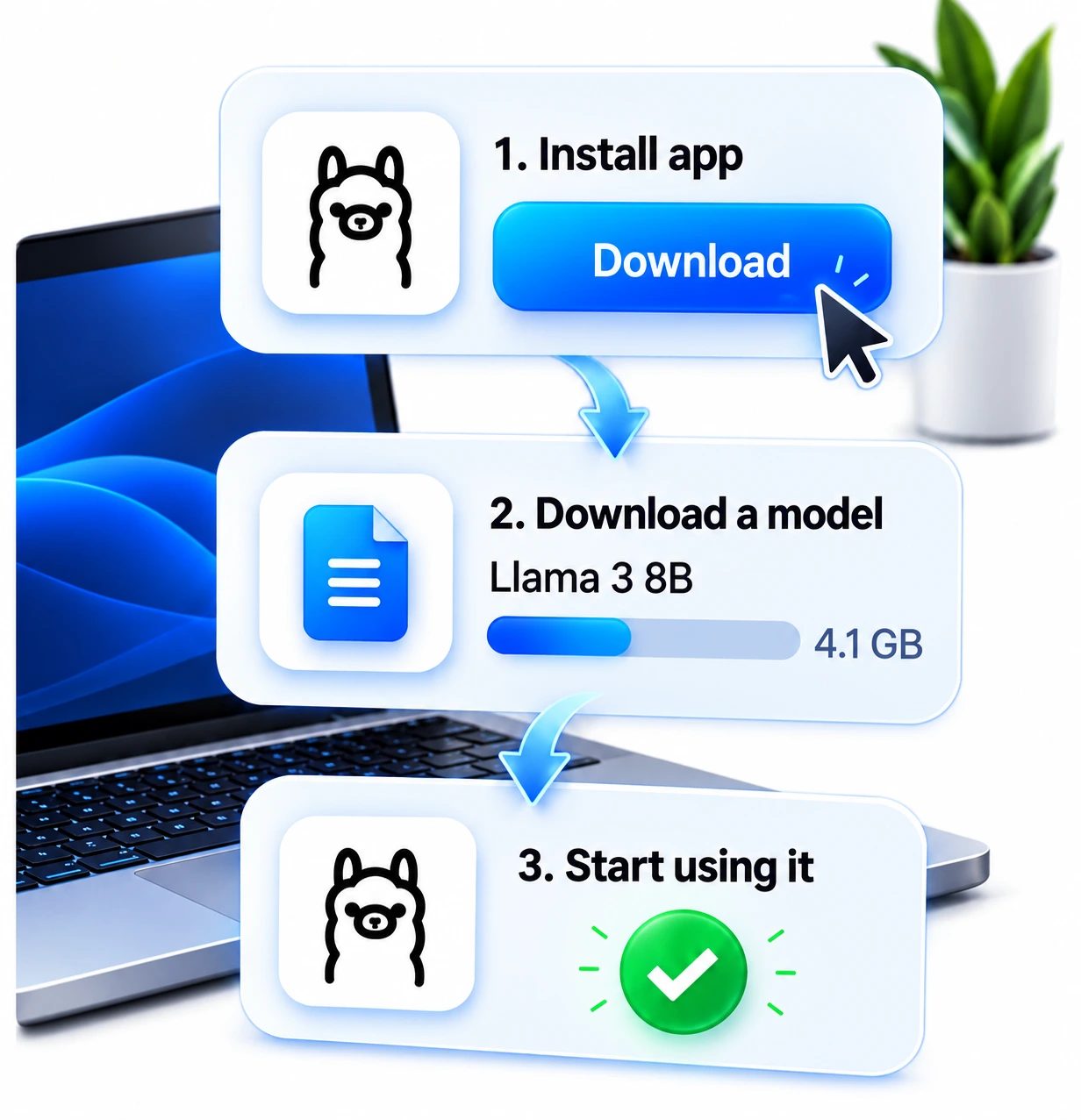
Five steps to a working setup
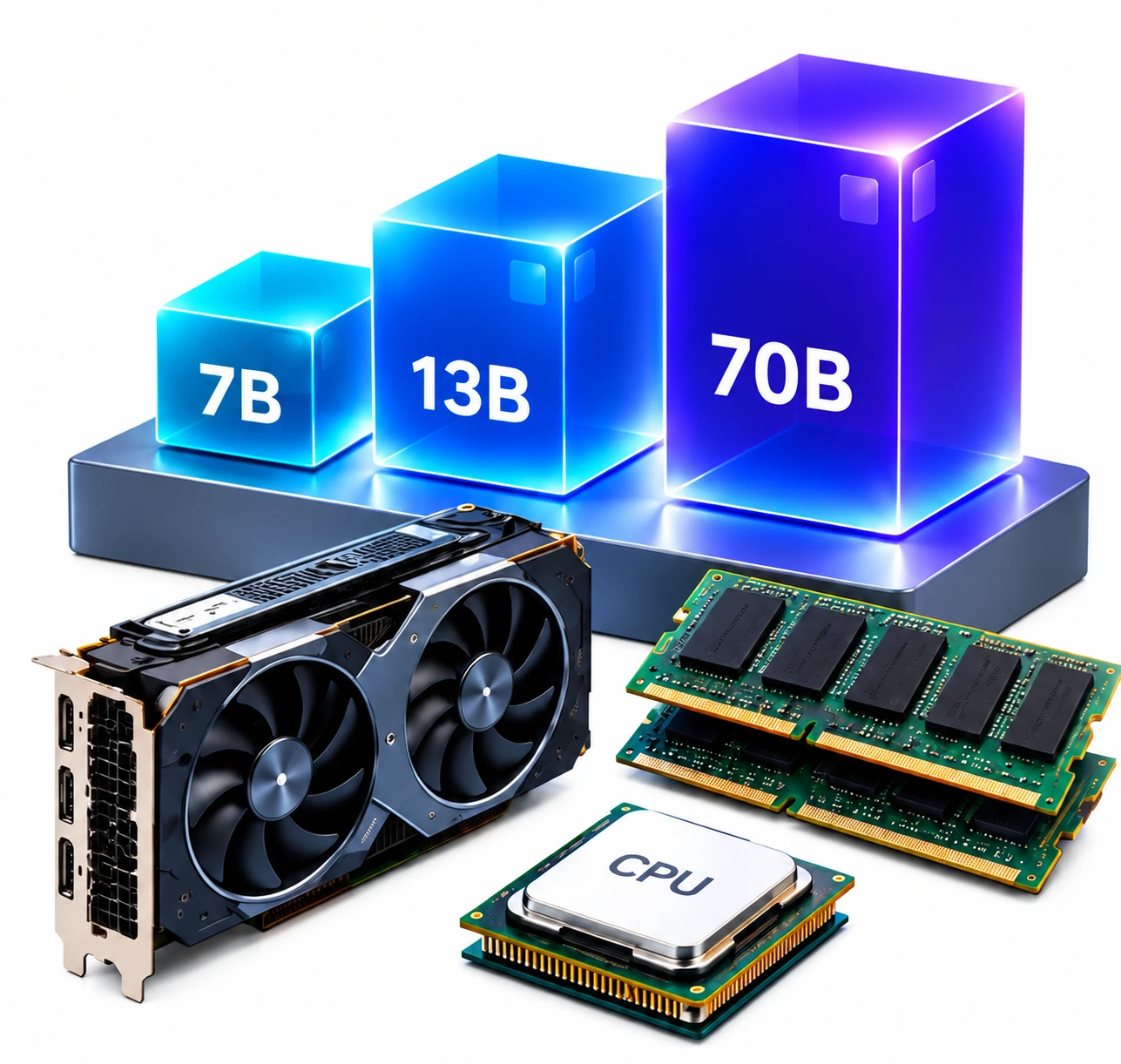
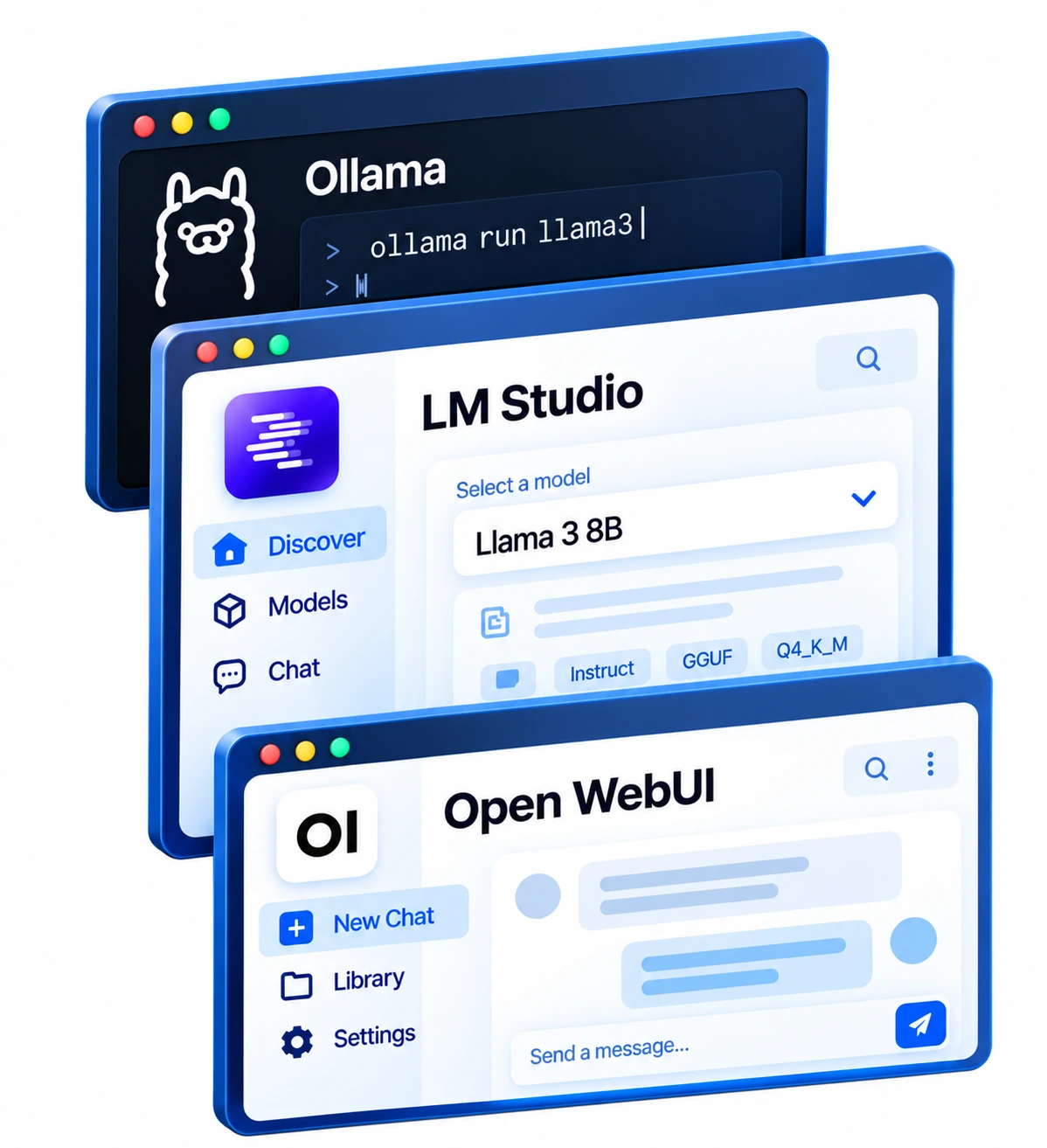
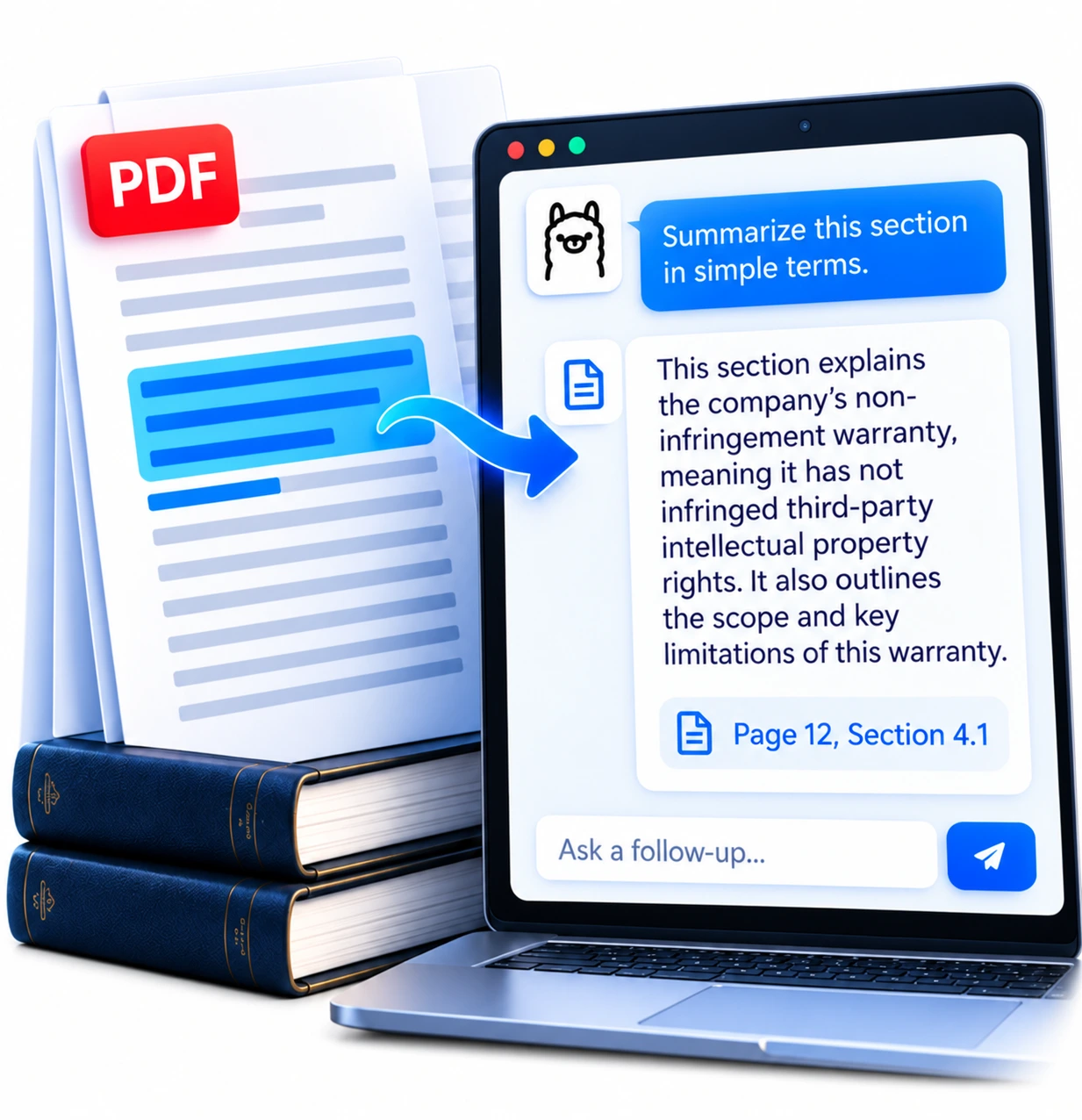
You do not need to understand every model or app before trying local AI: check your computer, choose an app, and get one small model answering.

What do you want to do?

Find the guide for your next step.
Latest news
Newest first from Local LLM Guide news.

Explore the library
92 Models
Filter by task, memory and app
7 Apps
Ollama, LM Studio and more, by job
15 Hardware profiles
Example Macs and PCs with suggested models
38 Guides & articles
Setup, models, privacy and tasks
11 Troubleshooting guides
Start from the symptom
9 News updates
Releases and what they change locally